January 2026 Calendar with Holidays
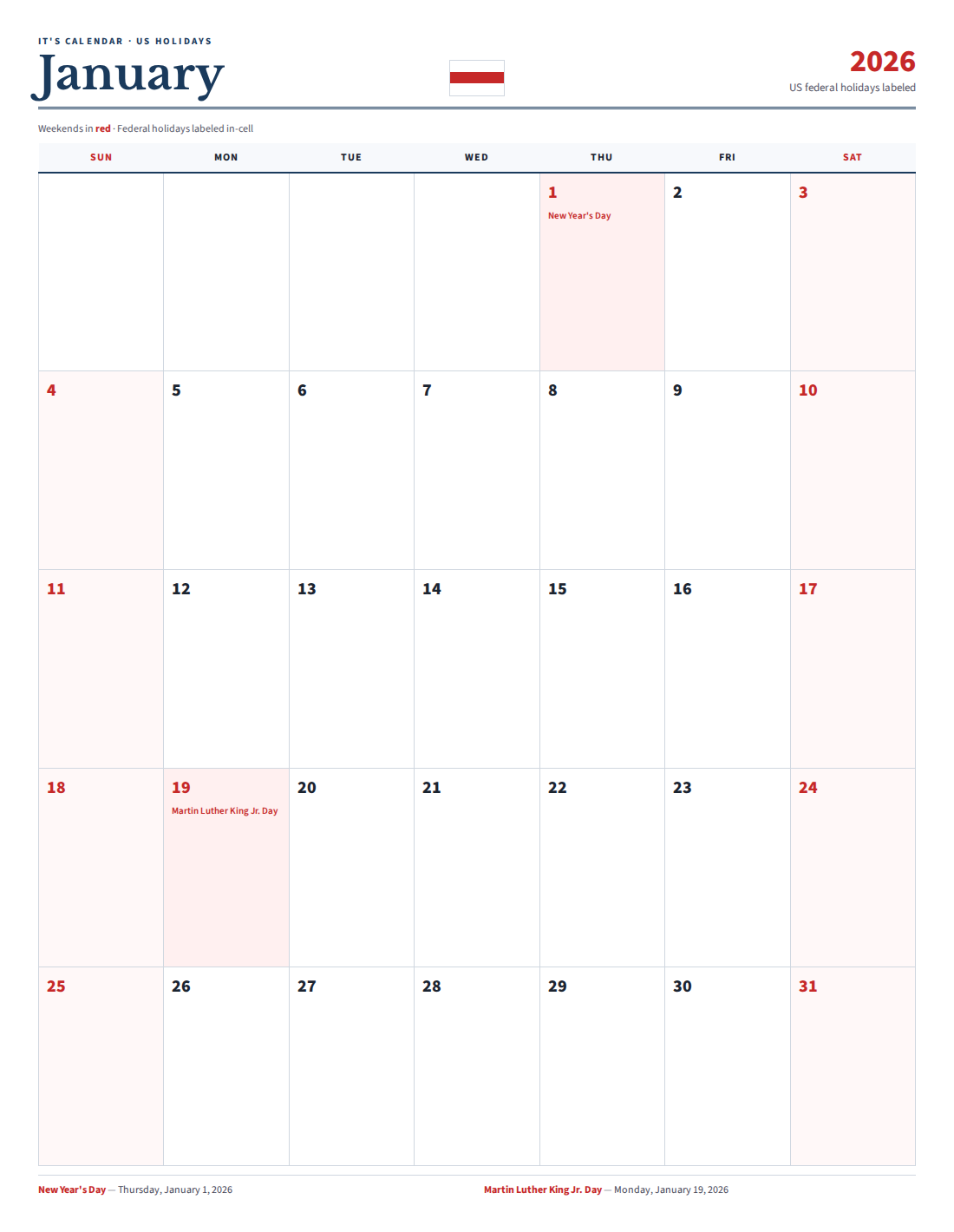
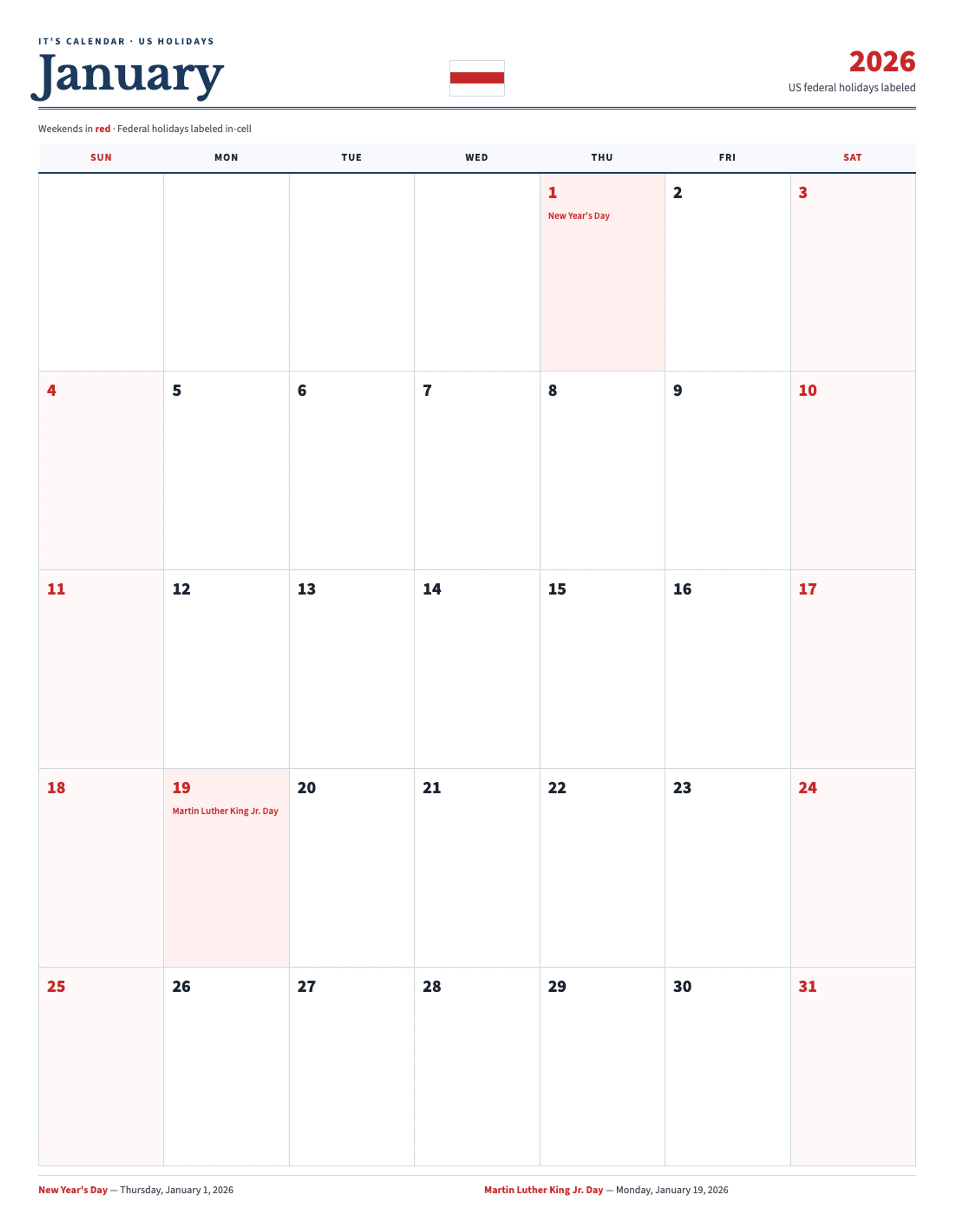
US holidays and observances labeled in-cell with weekend accents.
January 2026 calendar: 31 days, starts on Thursday, with New Year's Day (Jan 1) and Martin Luther King Jr. Day (Jan 19). 6 designs, PDF or PNG.
Layout: With US holidays
This is the fixed January 2026 calendar. Need the next January instead? Open the latest January calendar, which moves on to the following year by itself once January 2026 has passed.
US holidays and observances labeled in-cell with weekend accents.
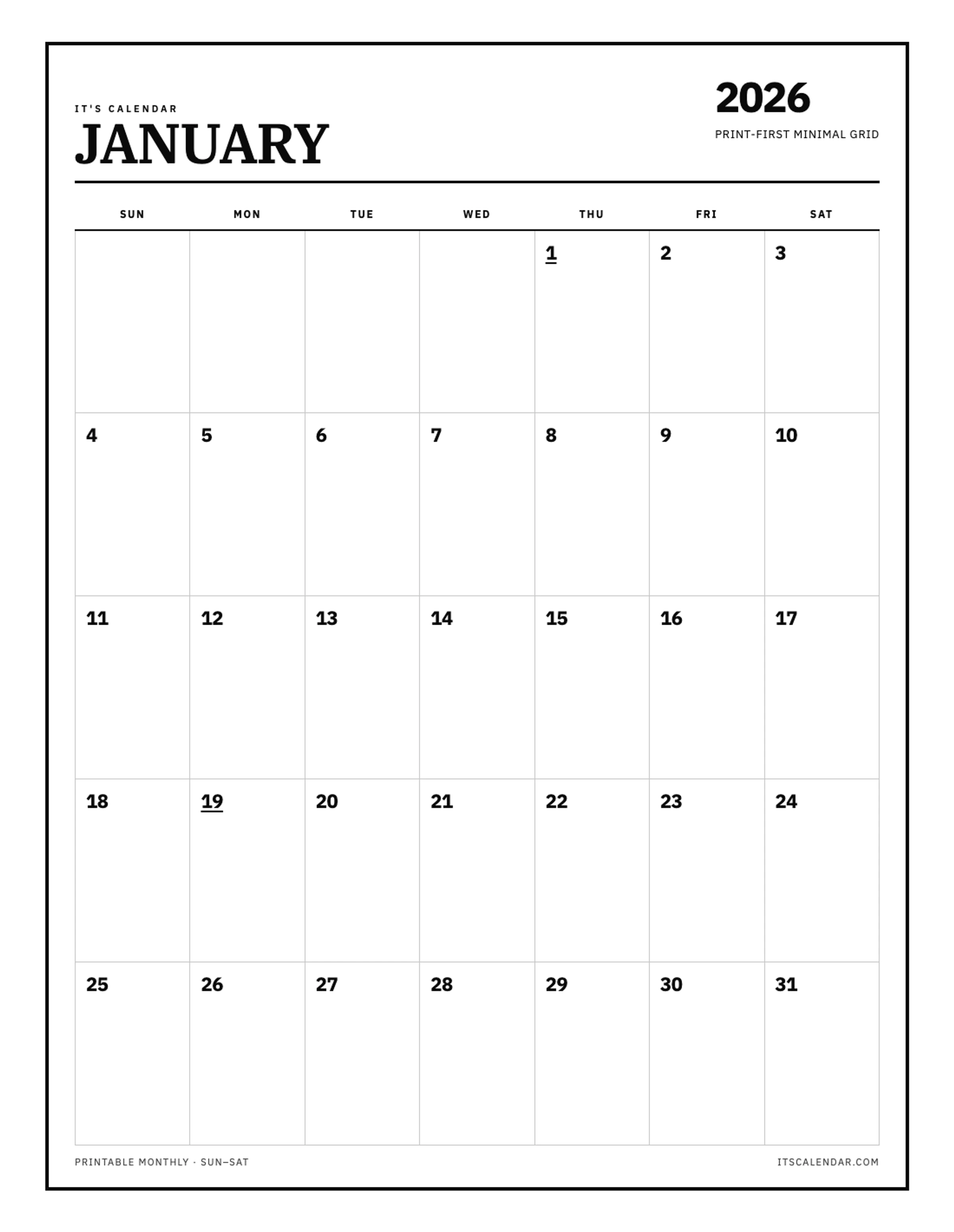
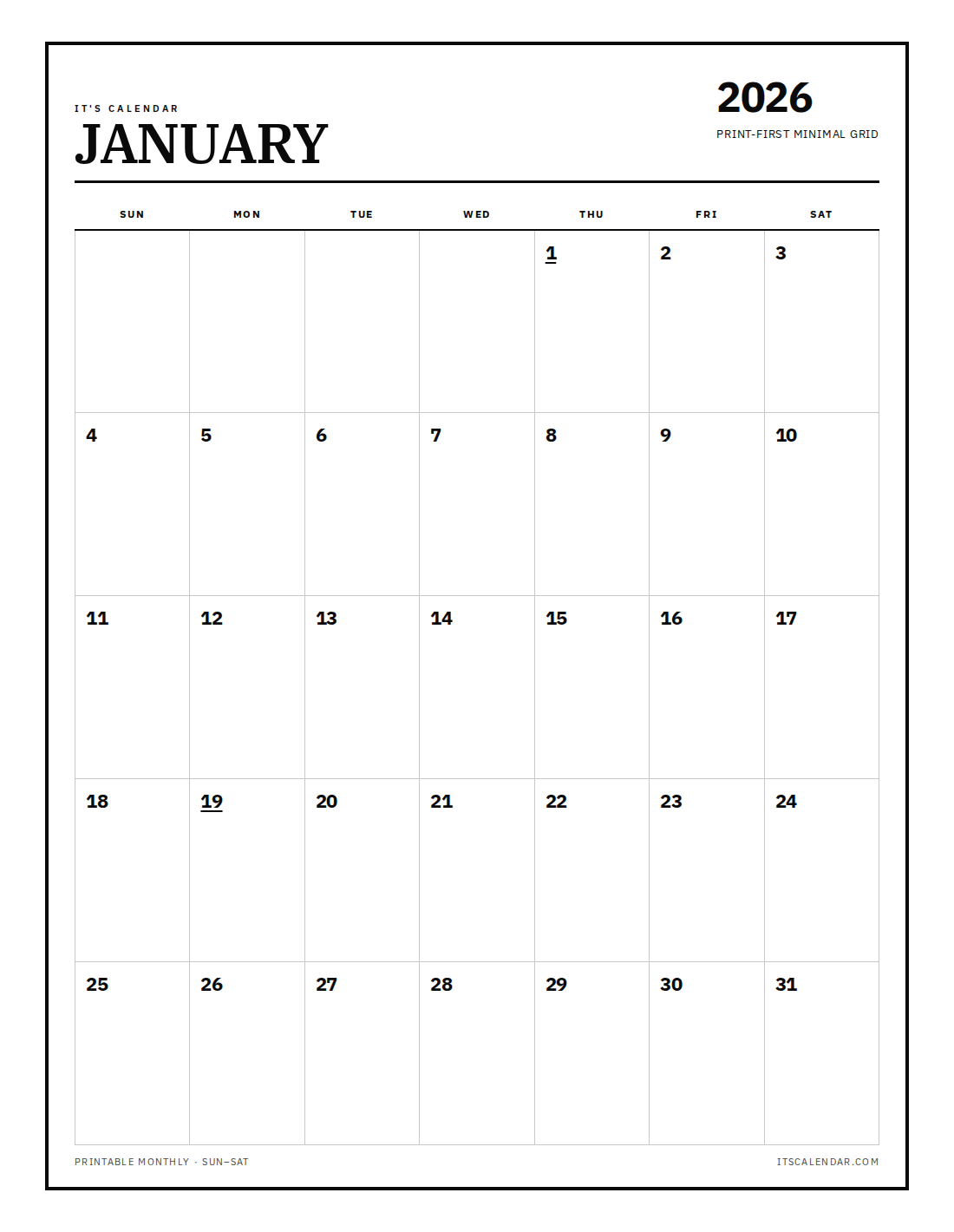
High-contrast minimal grid for crisp laser or ink-jet printing.
Dates are printed on this sheet. For a sheet with no dates, see the undated blank calendars.
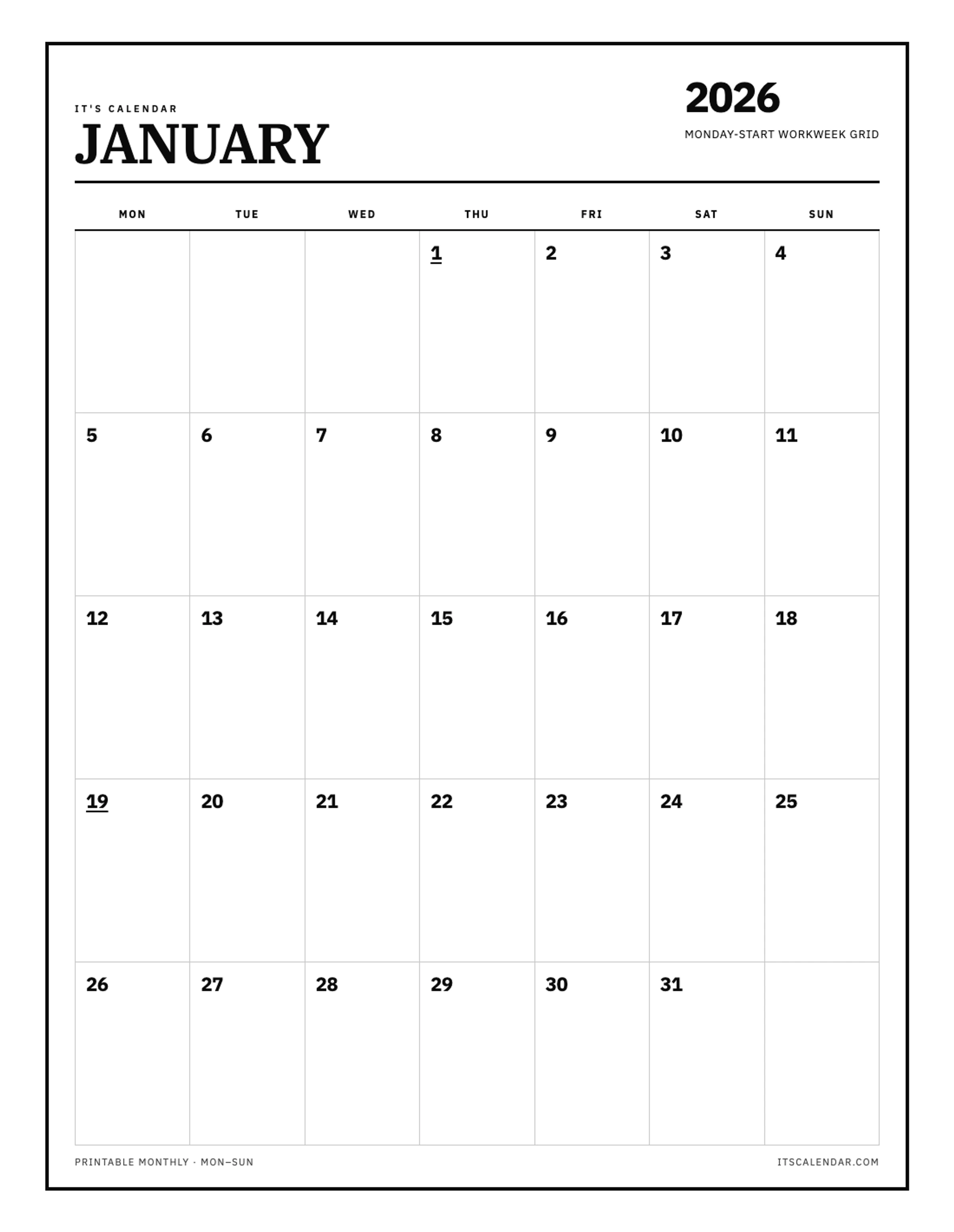
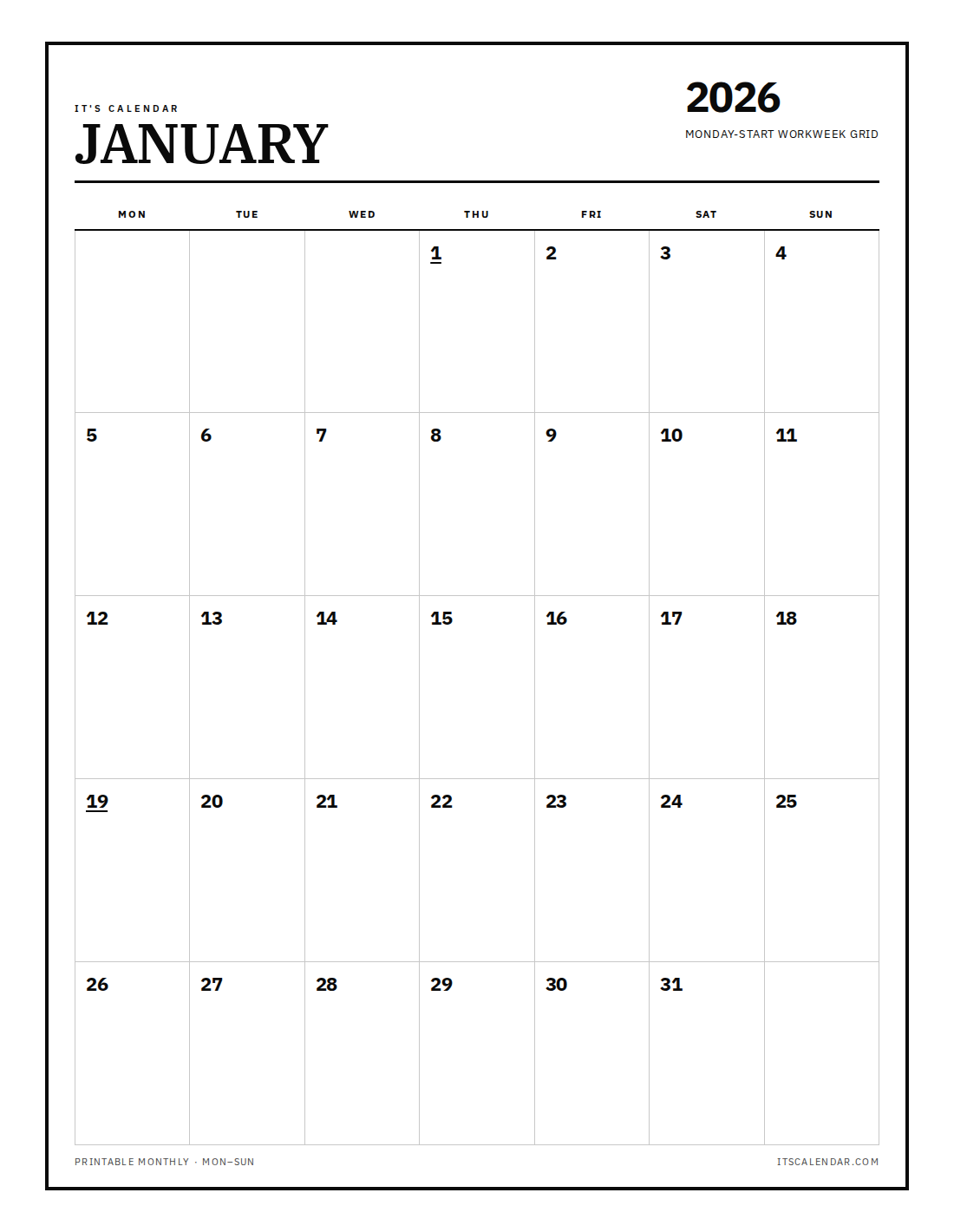
Workweek-first Mon–Sun monthly grid for office and school planners.
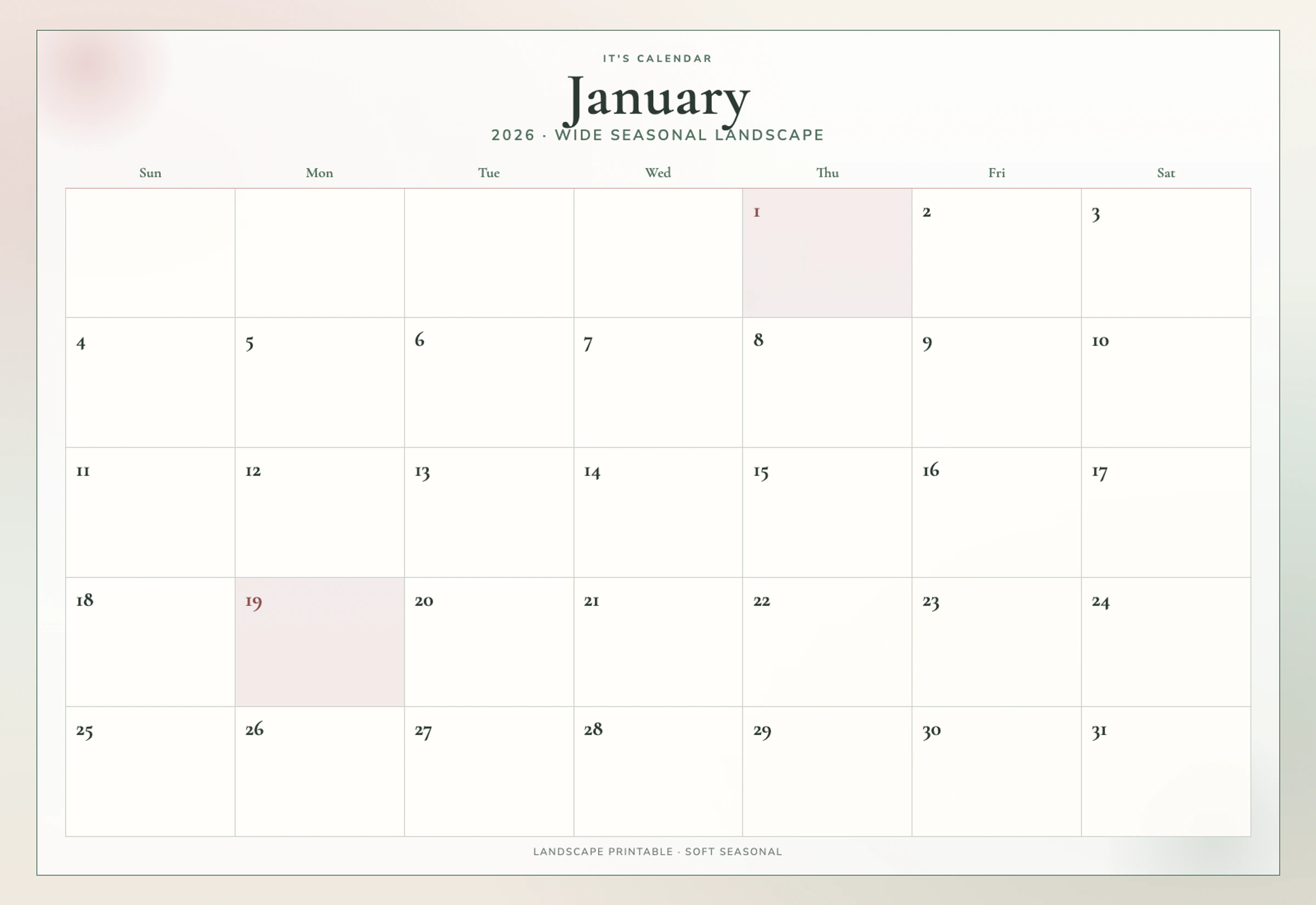
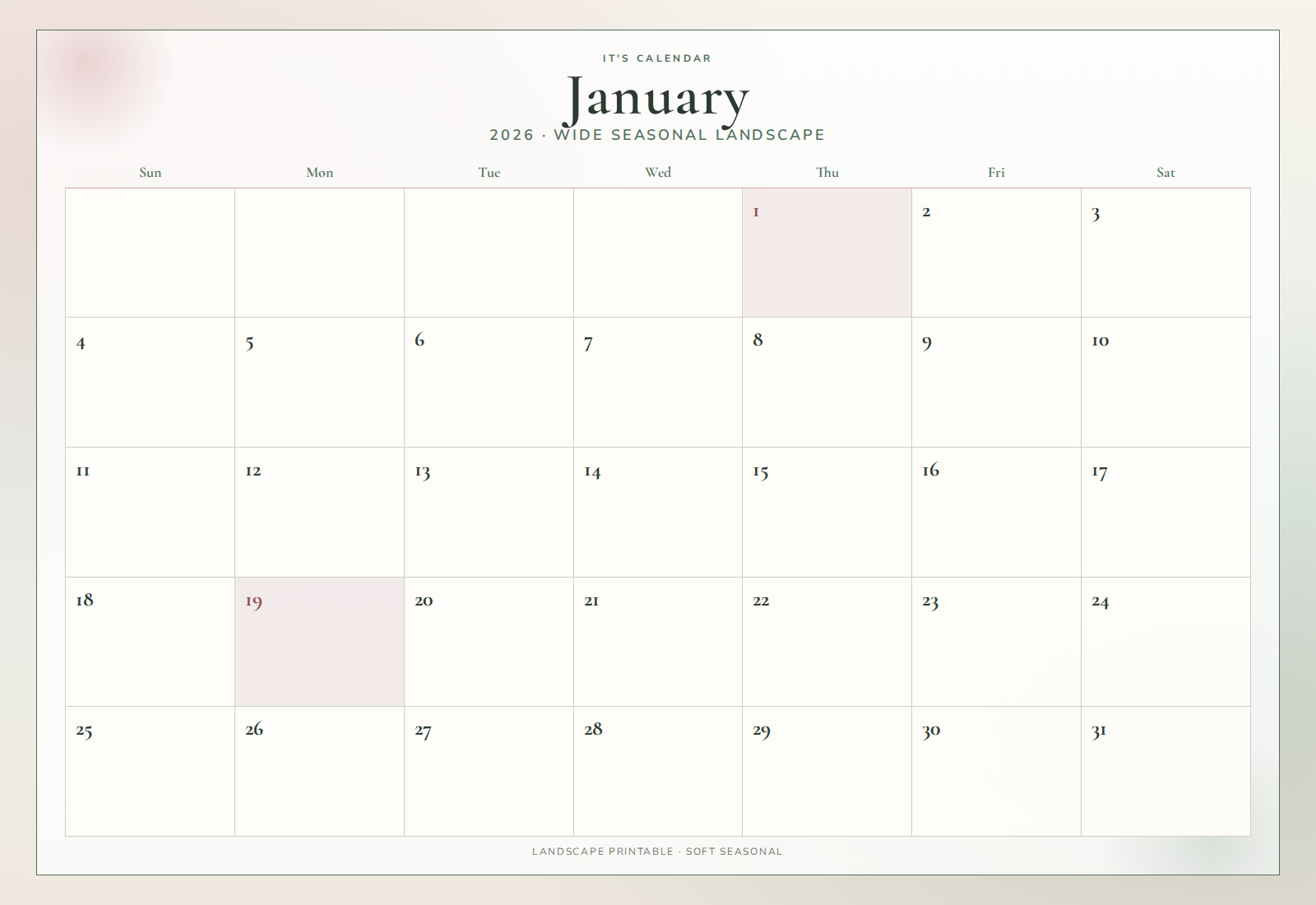
Wide landscape sheet with soft seasonal aesthetic.
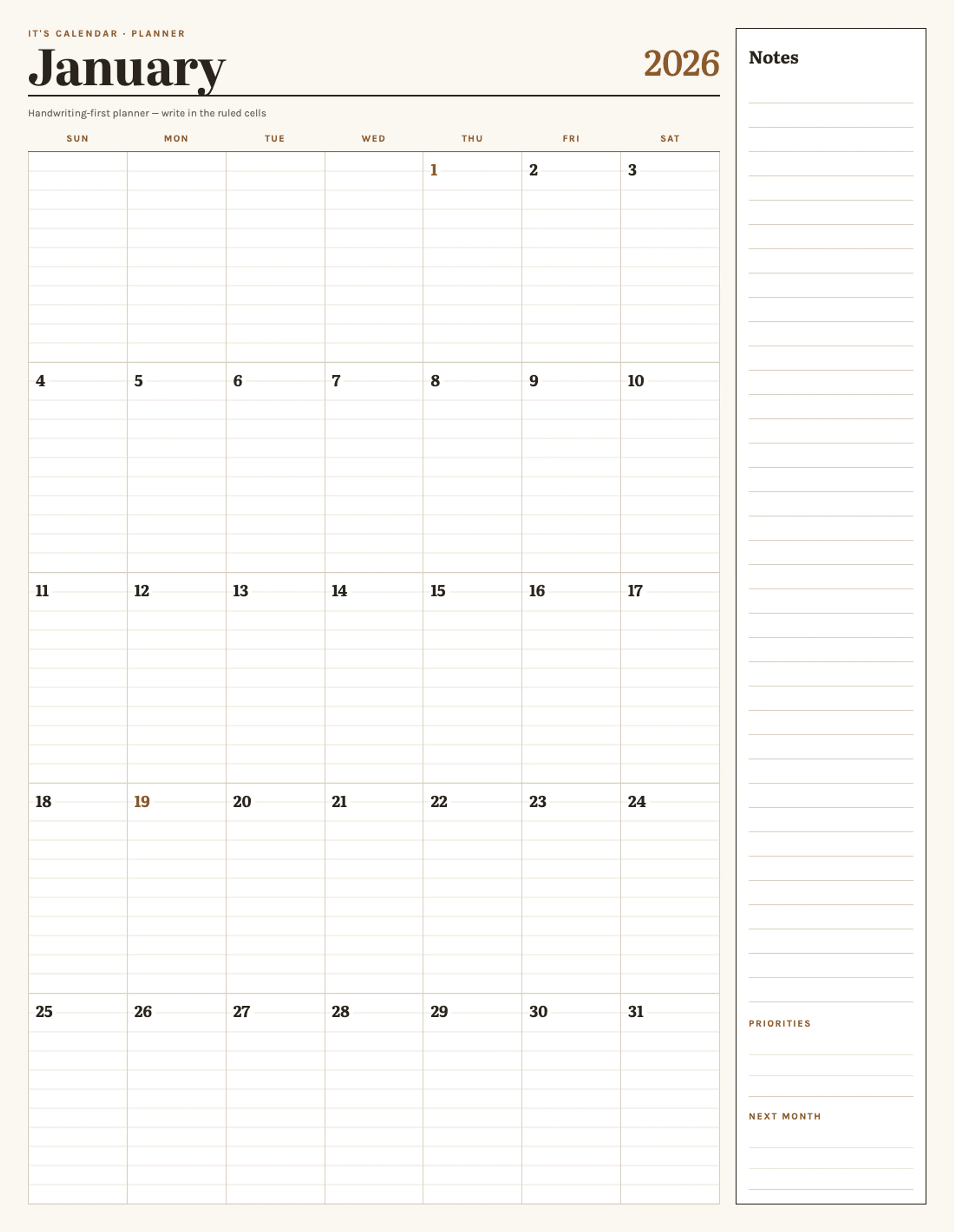
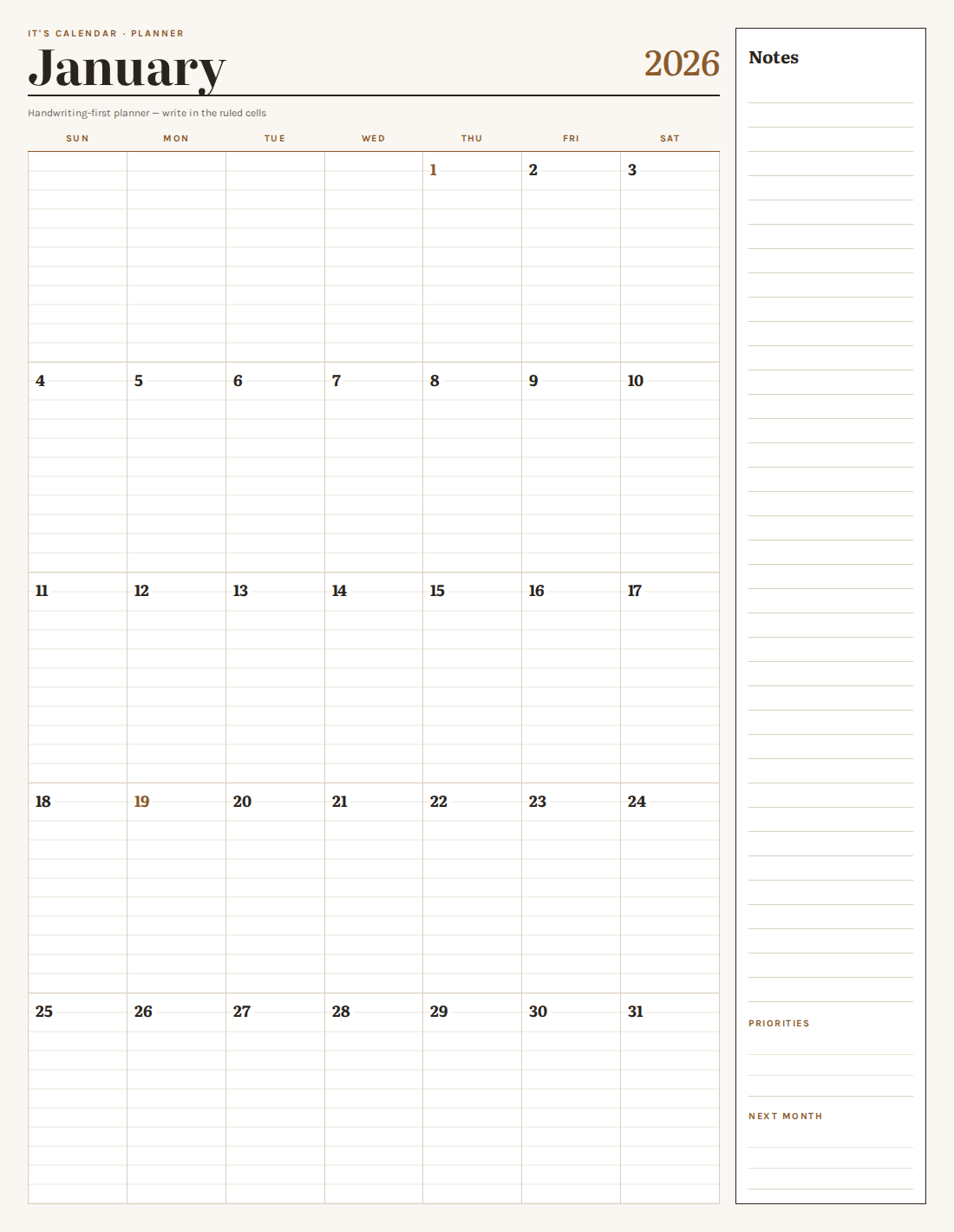
Oversized ruled cells plus a wide notes column.
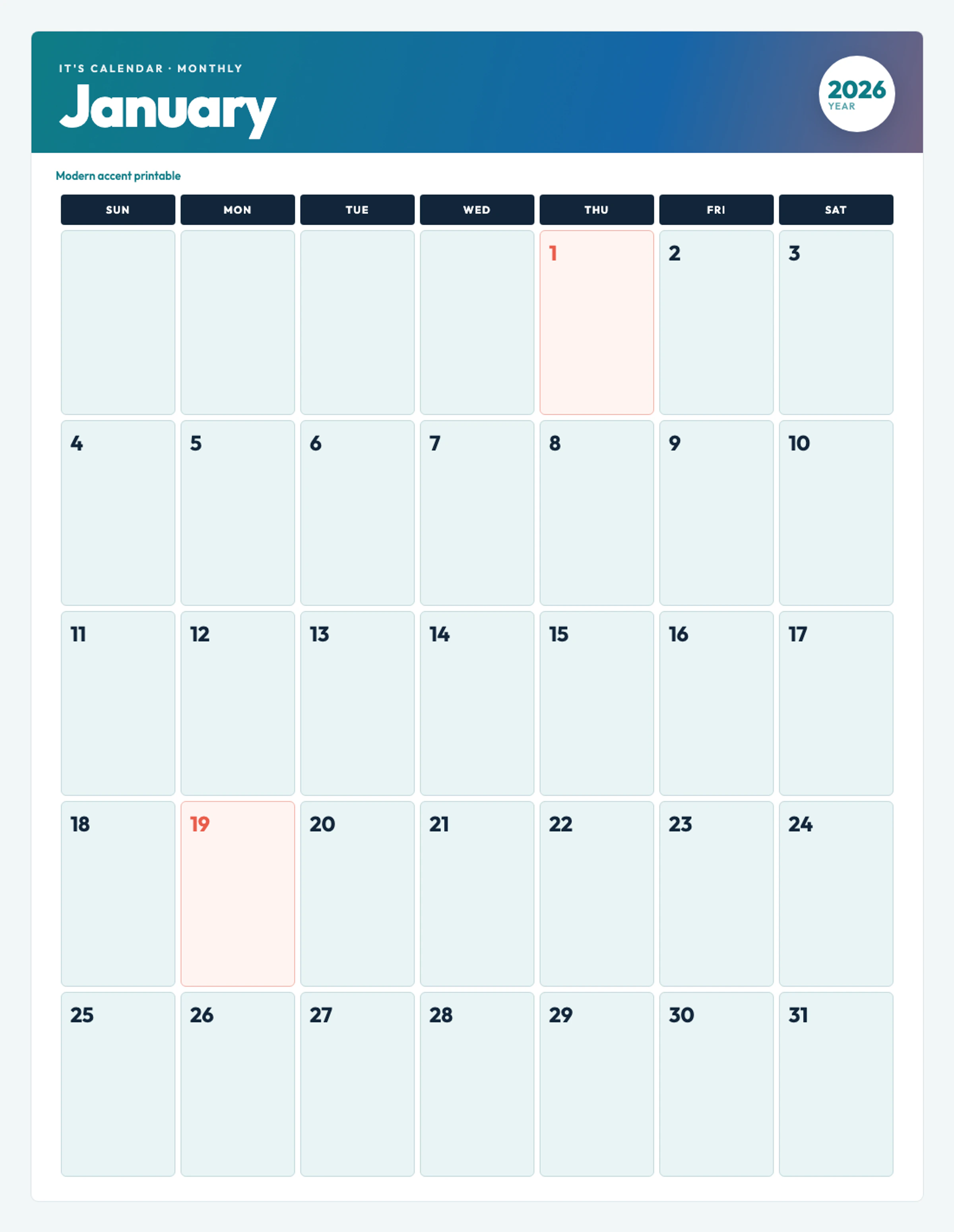
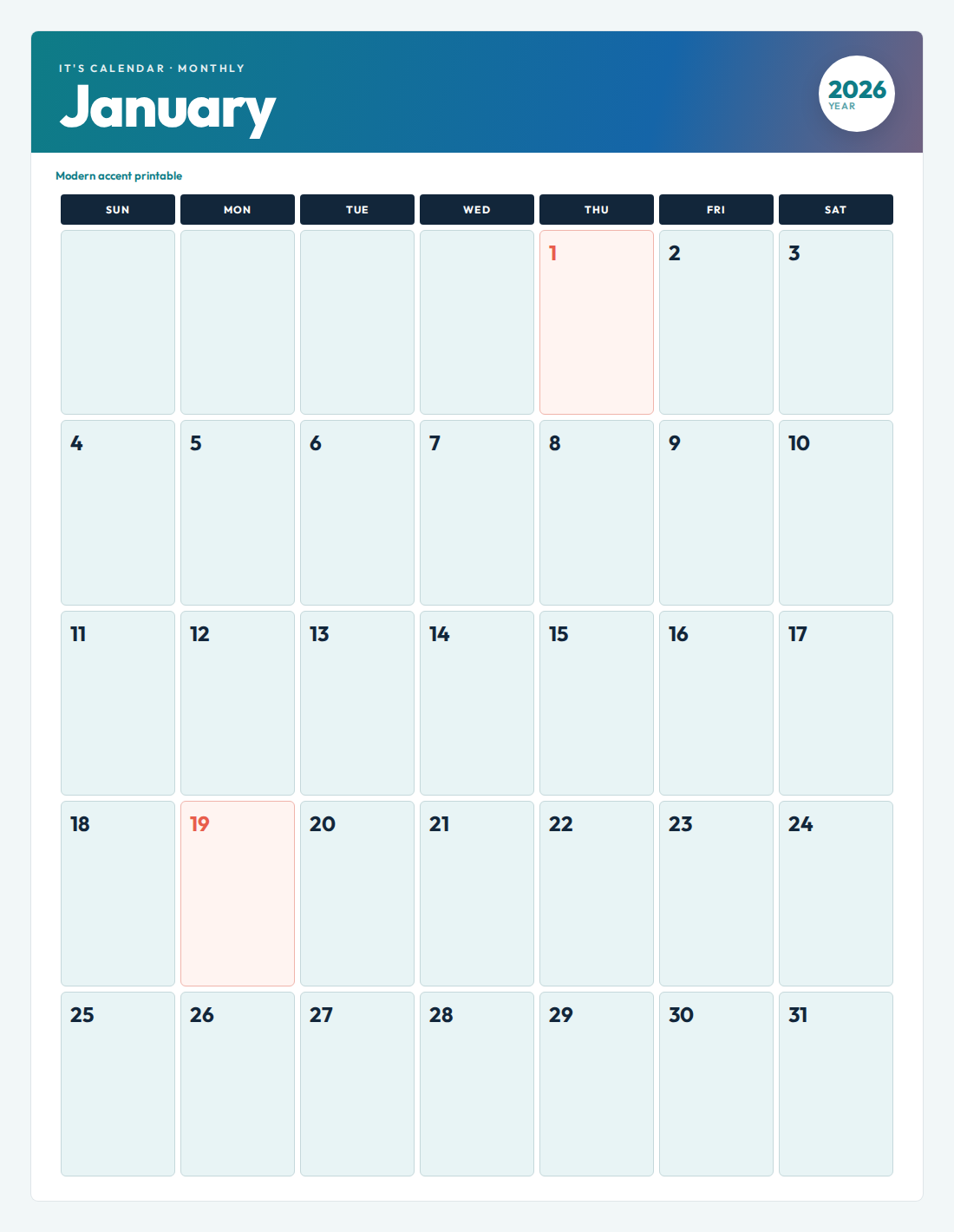
Contemporary accent header — print-friendly teal and coral.
January 2026 starts on Thursday and spans 31 days.
2026 US holidays · Holidays-marked January PDF/PNG
January opens the Gregorian year with 31 days and a cultural habit of fresh starts. Named for Janus — the two-faced Roman guardian of thresholds — it still feels like a doorway month: looking back at what 2025 taught you, and forward into 2026.
New Year's Day (Thursday, January 1, 2026) and Martin Luther King Jr. Day (Monday, January 19, 2026). MLK Day is the third Monday, so it always lands between January 15 and 21. Banks, schools and government offices often close on both days, but employers differ.
A dated January 2026 sheet already has the weekdays in the right cells: New Year's Day is Thursday, January 1, 2026 and Martin Luther King Jr. Day is Monday, January 19, 2026. You do not have to count days by hand.
January 2026 has 22 weekdays (Monday to Friday), 5 Saturdays and 4 Sundays, 31 days in all.
The US Holidays Marked design labels these days: New Year's Day on Thursday, January 1, 2026; Martin Luther King Jr. Day on Monday, January 19, 2026. Weekends are tinted so the working days stand out.
Every template except Monday Start puts January 1 in the fifth column, a Thursday. Monday Start puts it in the fourth column. Pick the layout that matches how you read your week.